 Google ClassroomConnect with Google ClassroomSimpler access to the activities and groups you already teach with.
For schools and learning centres
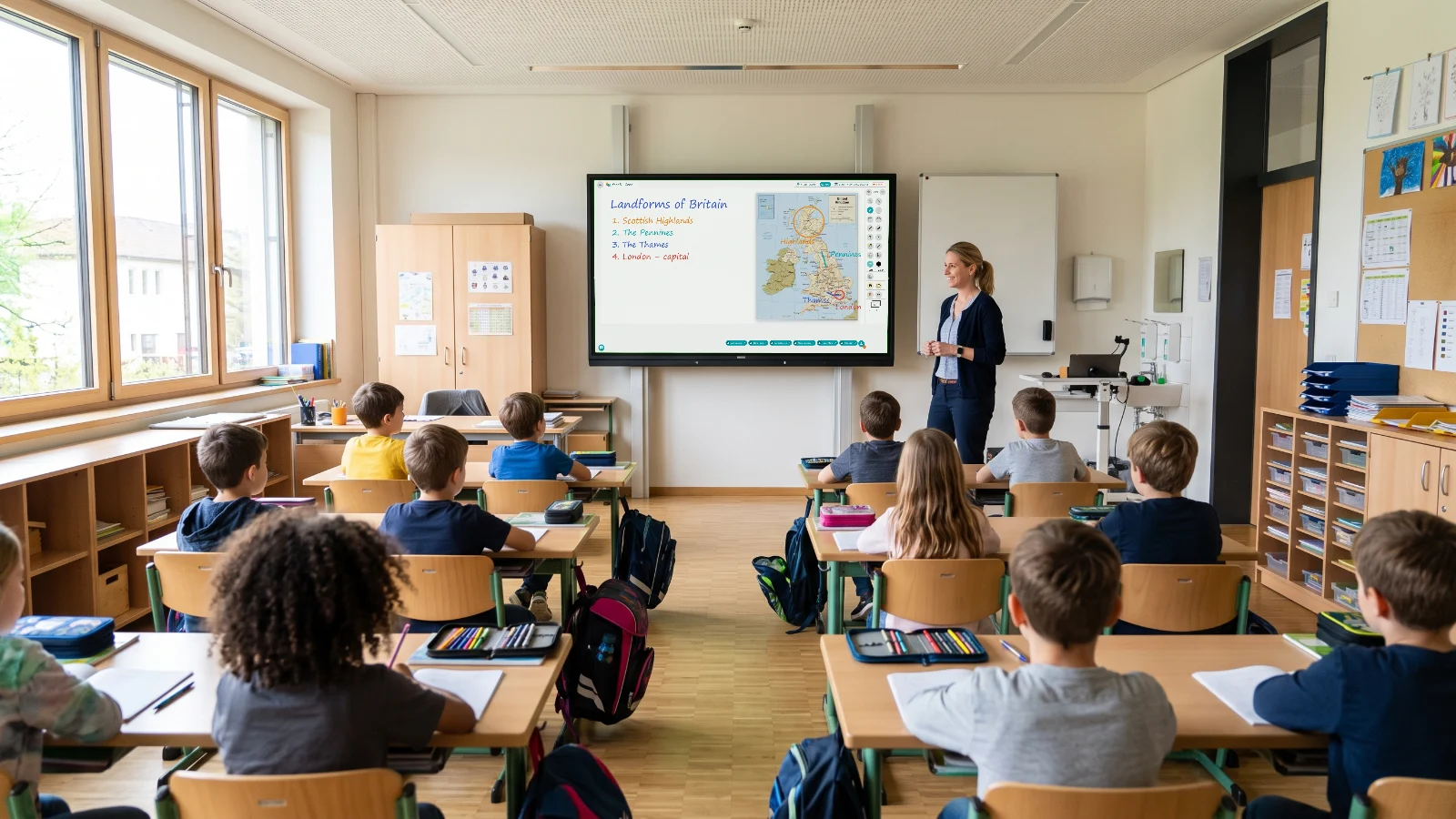
One board, in every classroom of your school.
Teachers prepare at home, open the lesson on any interactive board in the building and keep it for their students. Nothing to install, and nothing that depends on the device in the room.
Runs in the browser on any interactive board · Pilot with a few classes · Teacher training included
A Google Jamboard alternative for teachers
Works with the technology already used in education
 Native app for Samsung FlipVBoard is available directly on Samsung Flip smart boards.Watch the launch coverage →
 Integrated in Microsoft TeamsVBoard is available in the Teams Store.Open in the Teams store →Google ClassroomConnect with Google ClassroomSimpler access to the activities and groups you already teach with.
Why schools choose VBoard
One platform for every teacher, on any board.
When the whole staff works the same way, lessons get prepared faster, shared between colleagues and never lost when the bell rings.
Today
With VBoardEvery teacher brings their own files and tools, the board is wiped at the end of the lesson, and absent students fall behind.
- Prepare at home, open the lesson on any board in the school
- The same tools in every classroom: ruled paper, geometry, formulas, your own materials
- Everything you did stays saved and reaches students as a PDF
Today
With VBoardInteractive boards end up as expensive projectors, every department improvises, and nobody knows what actually works.
- One way of working that the whole team picks up quickly
- Onboarding and training delivered by the VBoard team
- Institutional licences and invoicing, for the teachers you actually have
- Start with a small pilot and grow it on real usage
What your school gets
Everything a teacher needs, right on the classroom board.
Five things teachers do every day, made simpler on VBoard.
01Any board
Any interactive board
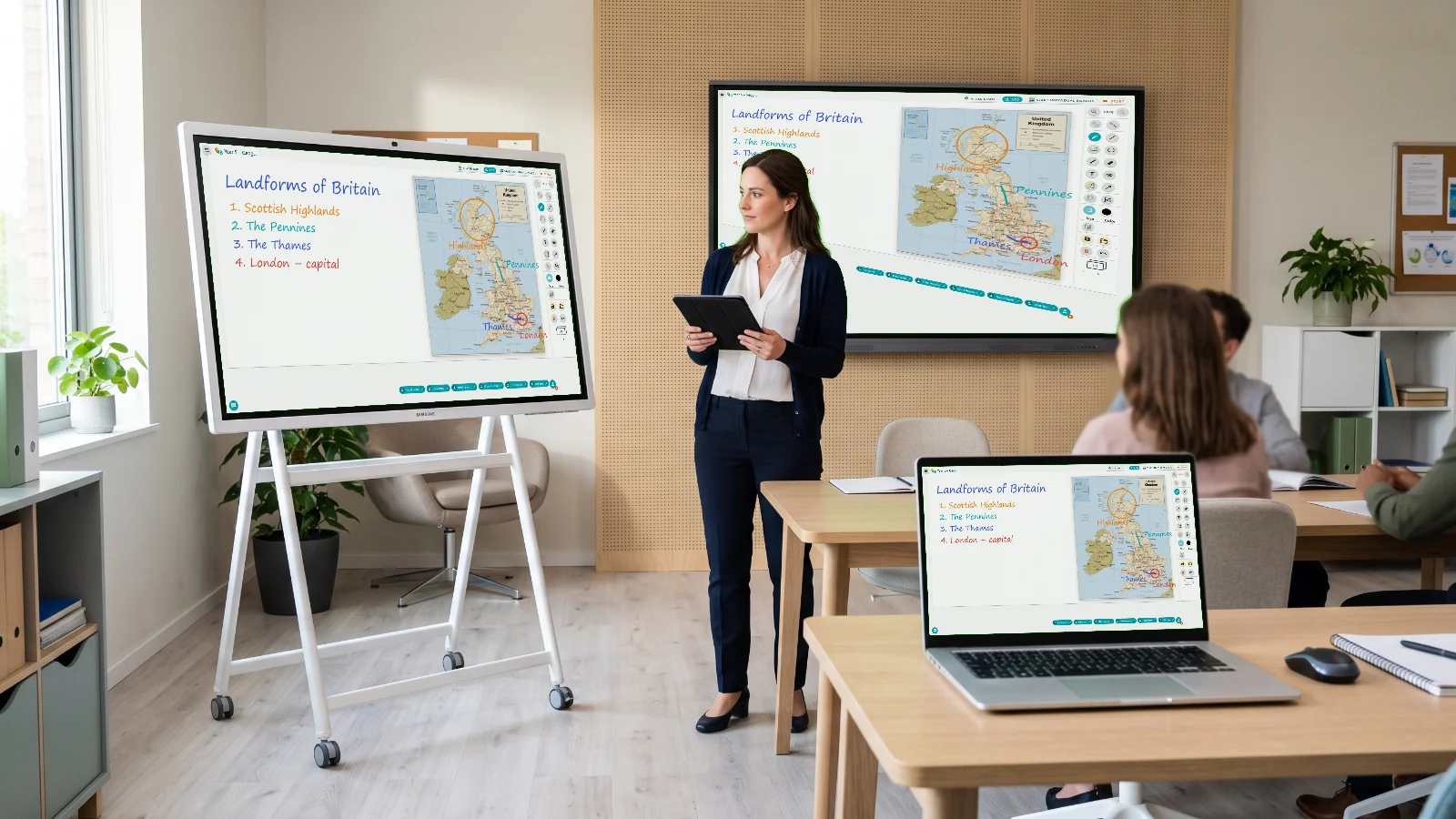
Open VBoard on any board in the school.
VBoard runs in the browser, so the interactive board in the classroom becomes a tool the teacher can reach from anywhere: home, the staff room or the classroom next door.
- Works on interactive boards and displays with web access
- Native app for Samsung Flip
- The same lesson, whatever device is in the room
02Prepare
Lessons prepared ahead
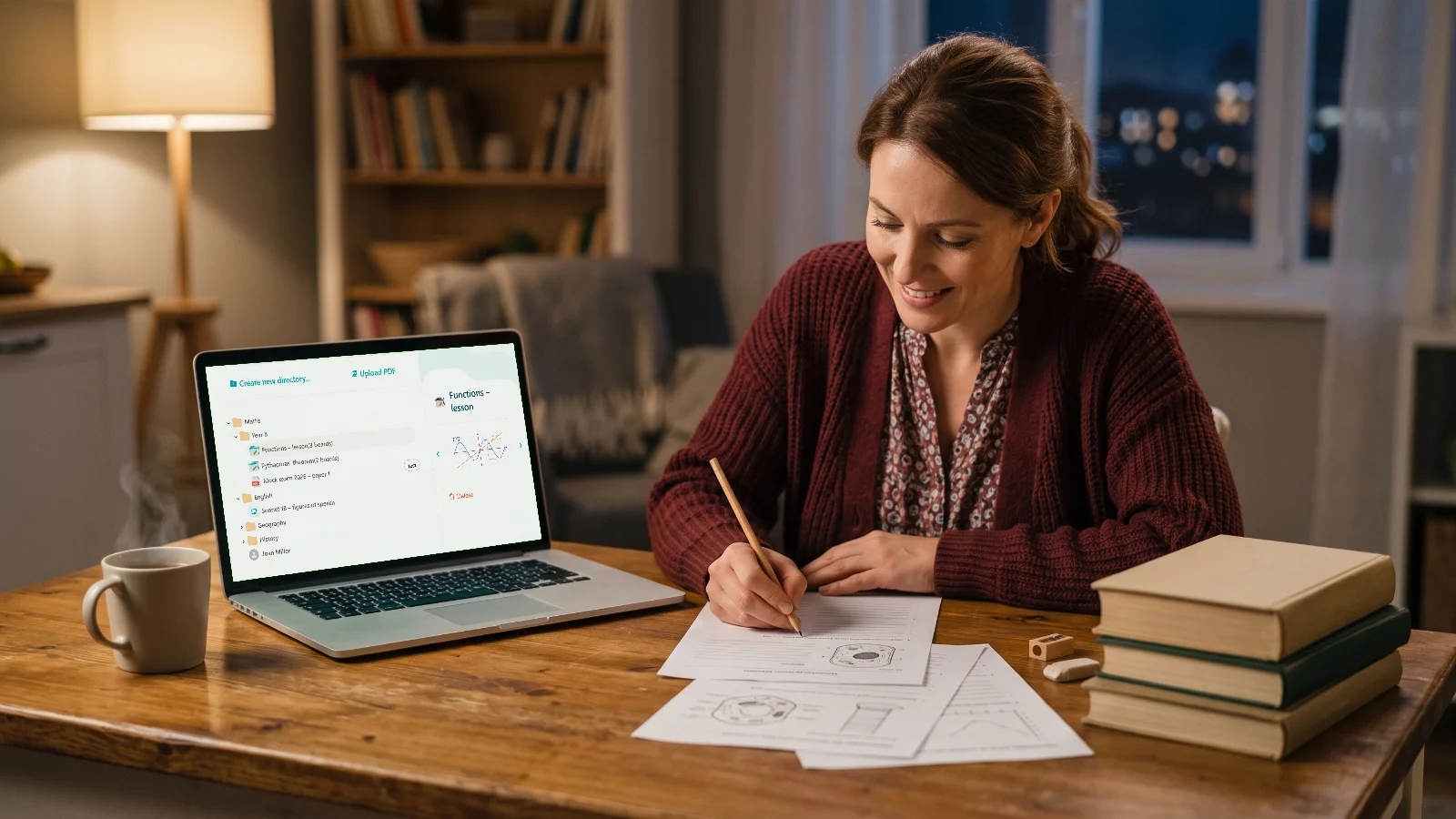
Prepare the lesson at home. Open it in class.
The library goes wherever you go: gather PDFs, images, tests and worksheets from any source, save the board and reopen it in class exactly as you left it.
- A lesson library you can reach from any device
- Material from any source: PDF, images, tests, video
- Colleagues in the same department share their materials
03Tools
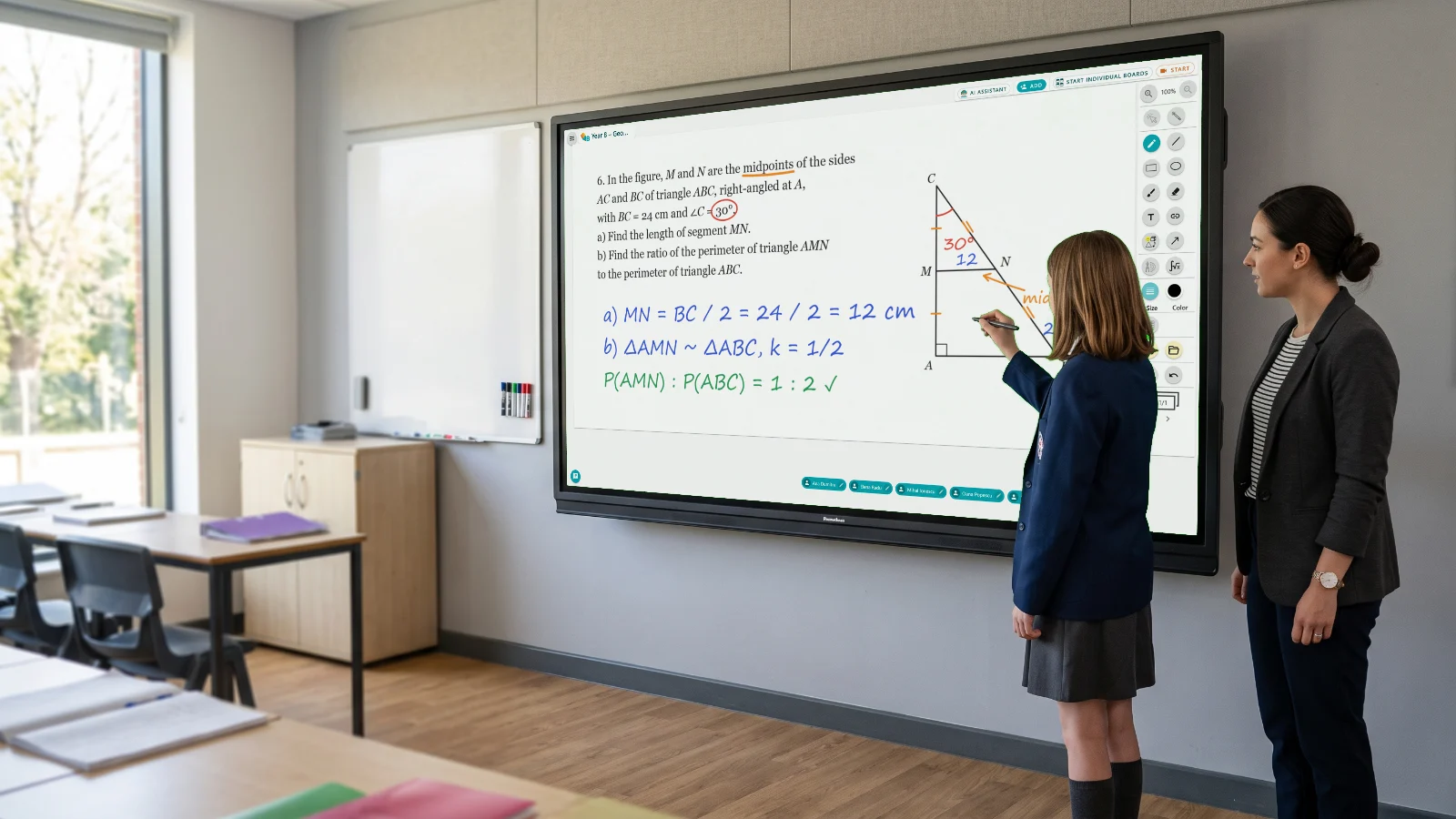
Specialist tools
Tools you used to have only on paper.
Handwritten formulas turn into clean text, figures are built with a ruler, set square, compass and protractor, and the right ruled paper is one click away.
- Maths formula converter
- Geometry tools, 2D shapes and 3D solids
- Ruled paper for every subject and grade
04History
Activity history
Every lesson stays saved. For the record, and for whoever was absent.
When the lesson ends, the classwork downloads as a PDF. Students who missed it get the lesson, and the teacher keeps a history for every class.
- PDF export at the end of every lesson
- An activity history for every class
- Reopen the lesson for revision

05Hybrid
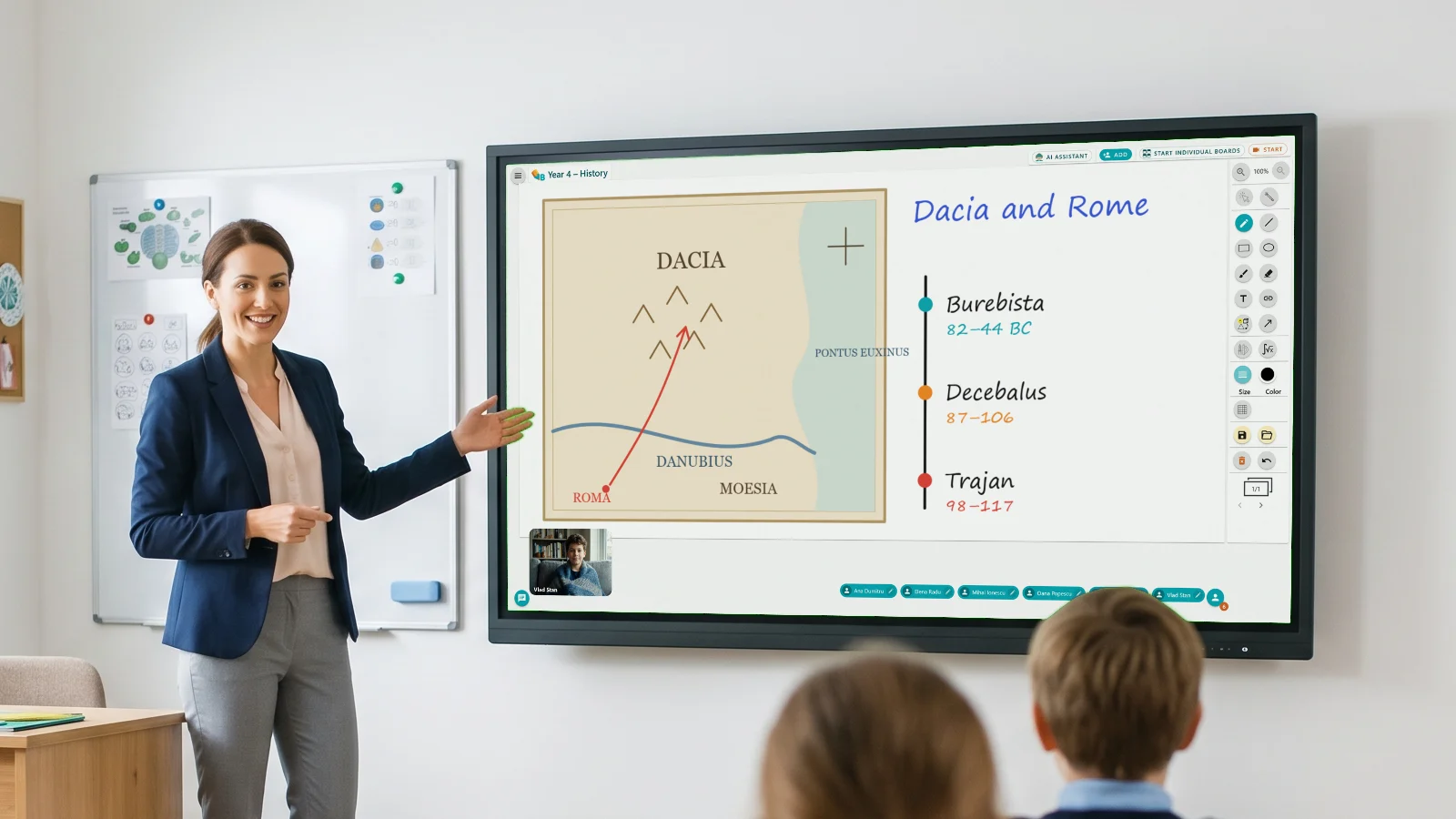
Hybrid teaching
Students who are ill join the lesson from home.
The lesson on the classroom board is the same one on the screen at home. Whoever is away joins the live lesson remotely and works alongside their classmates.
- Students join from the browser, with nothing to install
- The same board in class and at home, in real time
- The teacher decides who writes and when
How a school gets started
Five steps and the first lesson is on the board.
Nothing to install and no IT project. Teachers get going the same day.
Open vboard.ro on the classroom board
From the board's browser or the Samsung Flip app. The account is free.
See the tutorialCreate your classes
One group per class, with students added once.
See the tutorialTeach with the VBoard tools
Ruled paper, geometry, formulas, images and video, straight on the board.
See the tutorialPrepare and save to the library
Save the lesson boards and load them next time. All of it can be prepared at home.
See the tutorialSend the lesson to your students
Download the lesson as a PDF and share it with students and parents.
See the tutorial
For schools and education centres
Start with a pilot, not a purchase for the whole year.
Pick a few classes, the VBoard team runs the training, and the decision to expand comes from real use. Every teacher works the same way, on any board in the school.
Request a pilot- The same solution on interactive boards and displays
- Training and onboarding for teachers
- Lessons saved and reusable across classes
- Institutional licensing and invoicing
Frequently asked questions
What schools ask before a pilot
Boards, training, students, licences and what happens to the lessons.
Does it work on the interactive boards we already have?
Yes. VBoard runs in the browser on any interactive board or display with web access, and there is a native app for Samsung Flip. Nothing to install.
How long until teachers can teach with VBoard?
One training session, run by the VBoard team. Teachers start with the free account the same day and prepare lessons from the browser at home.
Do students need accounts or apps?
No. Students join the activity from the browser on their phone, tablet or laptop, in class or at home.
How does licensing work for a school?
Multiple teacher licences, with an institutional contract and invoicing. Start with a small pilot across a few classes and expand on real usage.
What happens to the lessons when the class ends?
They stay in the teacher's library, can be reopened with another class and sent to students as a PDF.
Bring VBoard to your school.
Pick a few classes, the VBoard team runs the training, and the decision to expand comes from real use.
Request a pilot- Pilot with a few classes
- Training included